Preface
This is the website for Command Line Basics for R Users. Visit the GitHub repository for this site.

This work by Aravind Hebbali is licensed under a Creative Commons Attribution-NonCommercial-ShareAlike 4.0 International License.
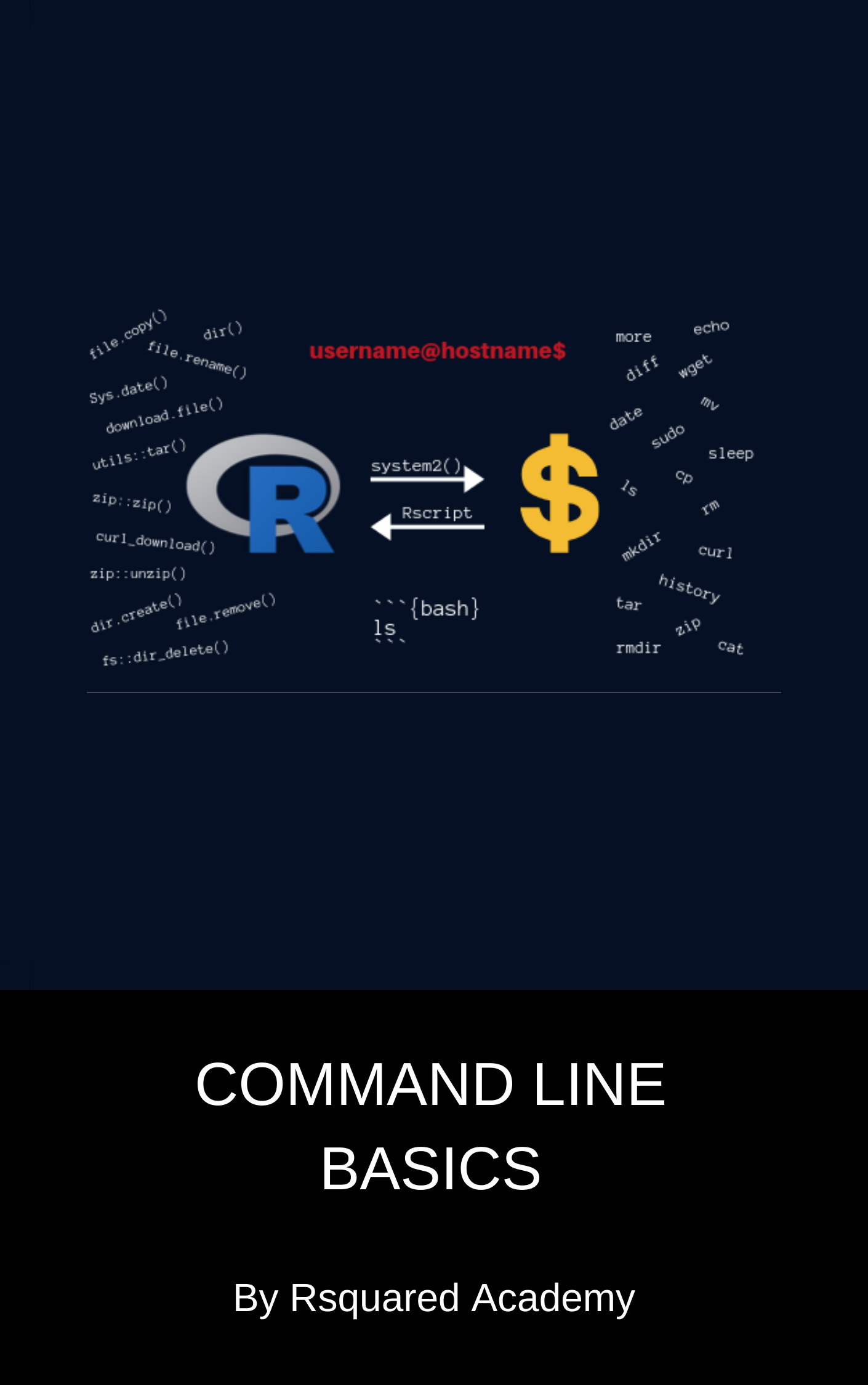
In this book, you will be introduced to shell commands. We have selected a set of commands we think will be useful in general to a wide range of audience. We have created a Posit Cloud project to ensure that all readers are using the same environment while using code examples. Our goal is to ensure that after reading this book, you should be able to use the shell for version control, managing cloud services (like deploying your own shiny server etc.), execute commands in R & RMarkdown and execute R scripts in the shell. Apart from learning shell commands, the book will also focus on
- exploring R release names
- mapping shell commands to R functions
- RStudio Terminal
- executing shell commands from R using
system2() or processx::run()
- execute shell commands in RMarkdown
- execute R scripts in the shell
If you want a deeper understanding of using command line for data science, we suggest you read Data Science at the Command Line. Software Carpentry too has a lesson on shell. We have listed more references at the end of the book for the benefit of the readers.
Outline
We start by introducing what the shell is, how to launch it in different operating system and explore commands for navigating file system and file management.
Introduction introduces the shell. It shows how to launch it in different operating systems. Apart from introducing the RStudio terminal, it will explore basic commands and different ways to view the documentation.
Navigating File System explores how to navigate between different directories, list contents of a directory and create & delete files & directories.
File Management describes how to create, copy, move, delete and compare files and directories.
Input/Output demonstrates how to print text on the terminal and read content from files. It will cover sorting/viewing/searching file contents.
Search & Regular Expression shows how to search text in file(s) using pattern matching and find files and folders using names and extensions.
Data Transfer explores how to download files from the internet using wget and curl.
sudo describes how to install, update and remove packages using sudo.
File Compression demonstrates how to list, extract, create and add files to archives using tar, zip and unzip.
System Info explains how to view system information using uname, free, df etc.
R & the Shell demonstrates how to execute shell commands in R using system2(). It will also look at using shell commands in RMarkdown documents and how to execute R commands and scripts from the command line.
Pipes & Redirection chains commands with |, streams data without loading it into R, and maps the shell pipe to R’s |>.
Topics this book does not cover
While the book explores several shell commands and demonstrates how to execute them in R, it does not cover the following topics:
- shell scripting
- editing files
- file permissions
- user information
- awk
- sed
About this book
This book is focused on practical exploration of shell commands. We focus on a select set of commands we hope will be useful to beginners and motivate them to explore the command line further.
We do not assume any previous knowledge of command line. We have used the RStudio terminal and RStudio Cloud to remove any hurdles for beginners and to ensure all learners have access to the same environment to explore the commands.
We do assume the reader is familiar with R and RStudio.
Using code examples
All the codes used in this book are available in our GitHub repository. We encourage you to use Posit Cloud (it is free), especially Windows users as you will get access to Linux Bash and all the code and files/directories used in the examples.